VisionTrack
Real-time object detection and tracking desktop app
Overview
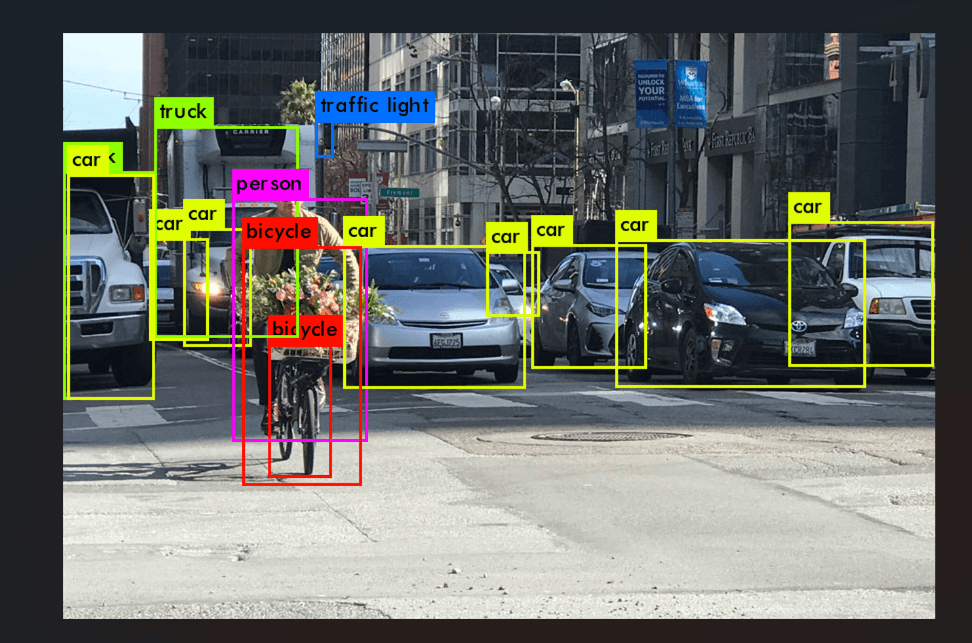
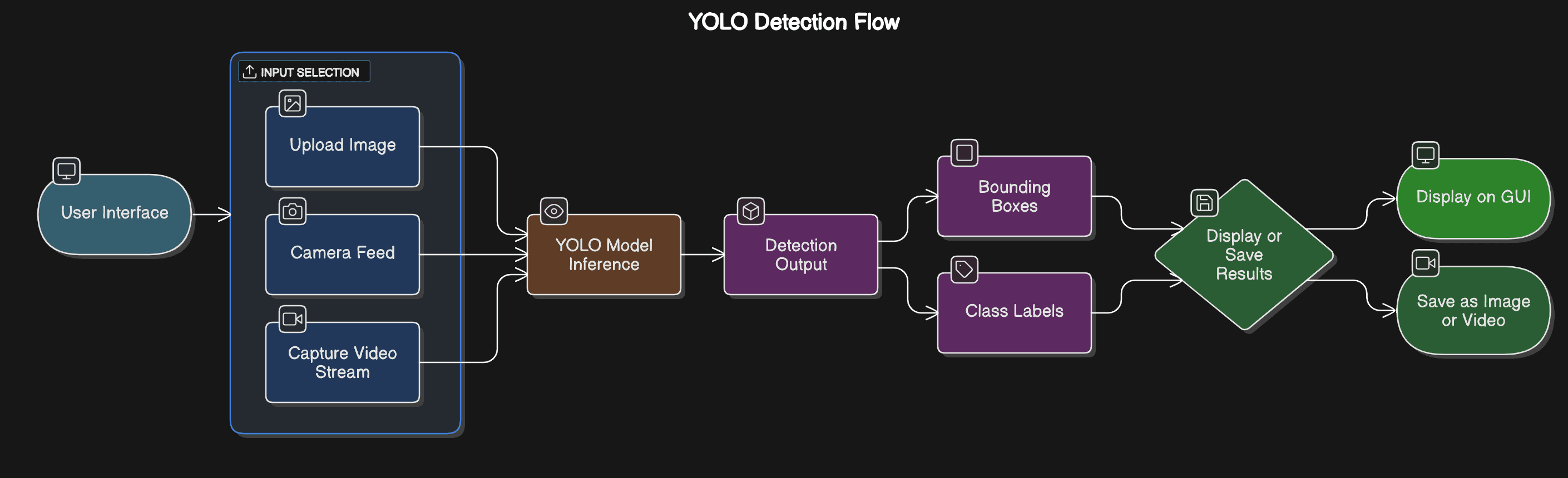
VisionTrack applies YOLOv8 to real-time multi-class object detection and tracking, wrapped in a desktop GUI so the pipeline is usable by someone who isn't running scripts from a terminal. It handles static images, video files, and live webcam streams through one consistent interface.
Key features
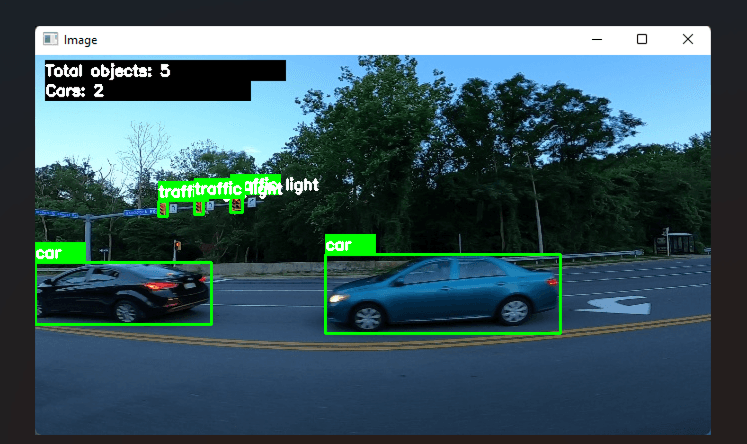
- Real-time multi-class object detection with confidence scores and bounding boxes
- Object tracking across frames, preserving identity through occlusion and fast movement
- Support for image, video file, and live webcam input from a single interface
- Configurable detection settings exposed directly in the GUI
Architecture & engineering decisions
YOLOv8-based detection pipeline supporting multiple simultaneous object classes
OpenCV-driven frame processing for images, video files, and live webcam feeds
Frame-to-frame tracking logic maintaining object identity with real-time bounding boxes
CustomTkinter GUI layer for configurable detection settings and multiple input sources
Pillow-based image handling for efficient rendering inside the desktop interface
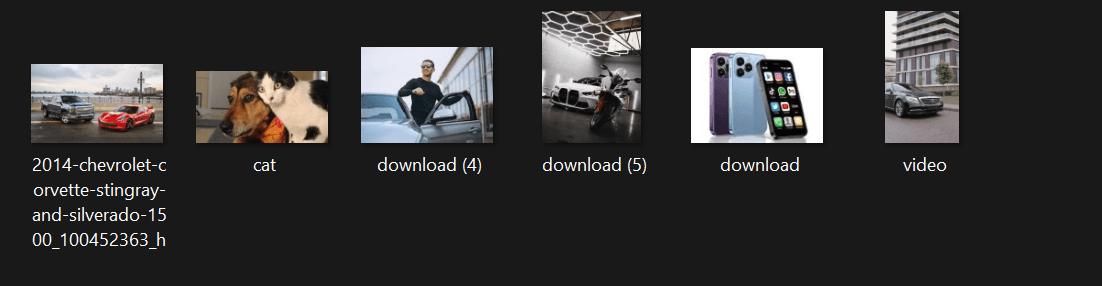
Product gallery
View full gallery →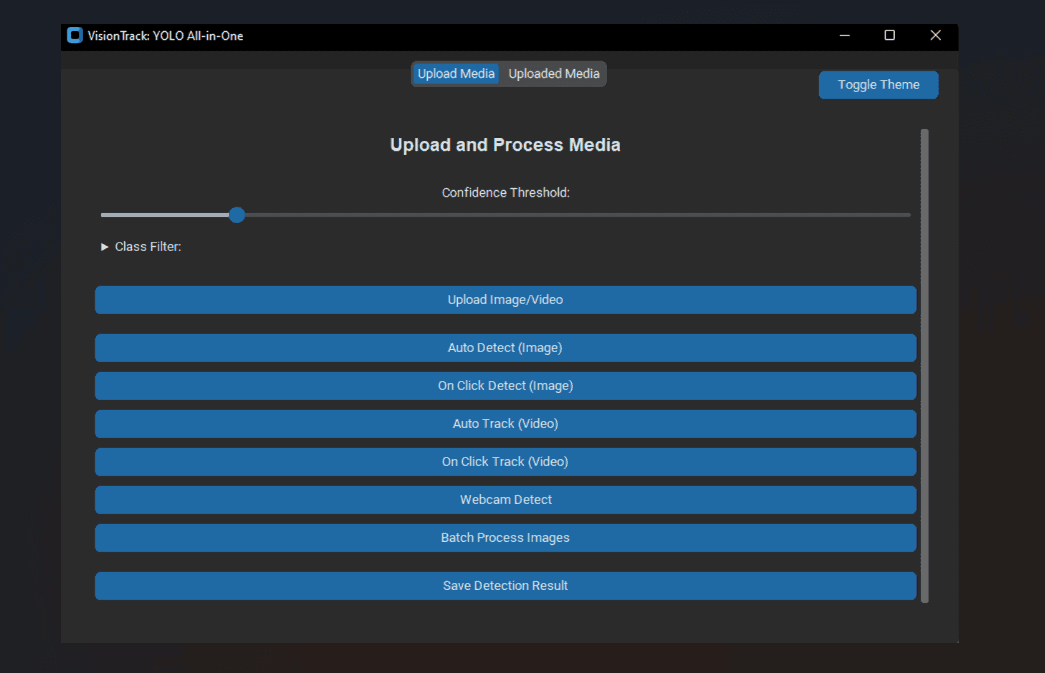
Challenges & how I solved them
Maintaining real-time performance while running deep learning inference on live video
Kept the inference loop lean by batching frame preprocessing with OpenCV and avoiding unnecessary copies between the capture and inference stages.
Tracking objects consistently across frames without losing identity during occlusion
Layered a tracking pass on top of per-frame YOLOv8 detections instead of treating each frame independently, so identities persist through brief occlusion.
Keeping the GUI responsive while detection runs continuously in the background
Ran capture/inference off the GUI's main loop so the interface stayed interactive even during continuous detection.
Lessons learned
- Real-time CV work is as much about the data pipeline (frame handling, buffering) as it is about the model itself.
- A usable GUI around a model is what turns a notebook experiment into something a non-technical user could actually run.
Stack